
Strongest fit
Who it is built for
- Developers who prefer terminal-first agent workflows
- Teams handling multi-file debugging, refactoring, and migrations
- Organizations that need centrally managed coding-agent controls
Anthropic coding agent for terminal, IDE, and enterprise workflows
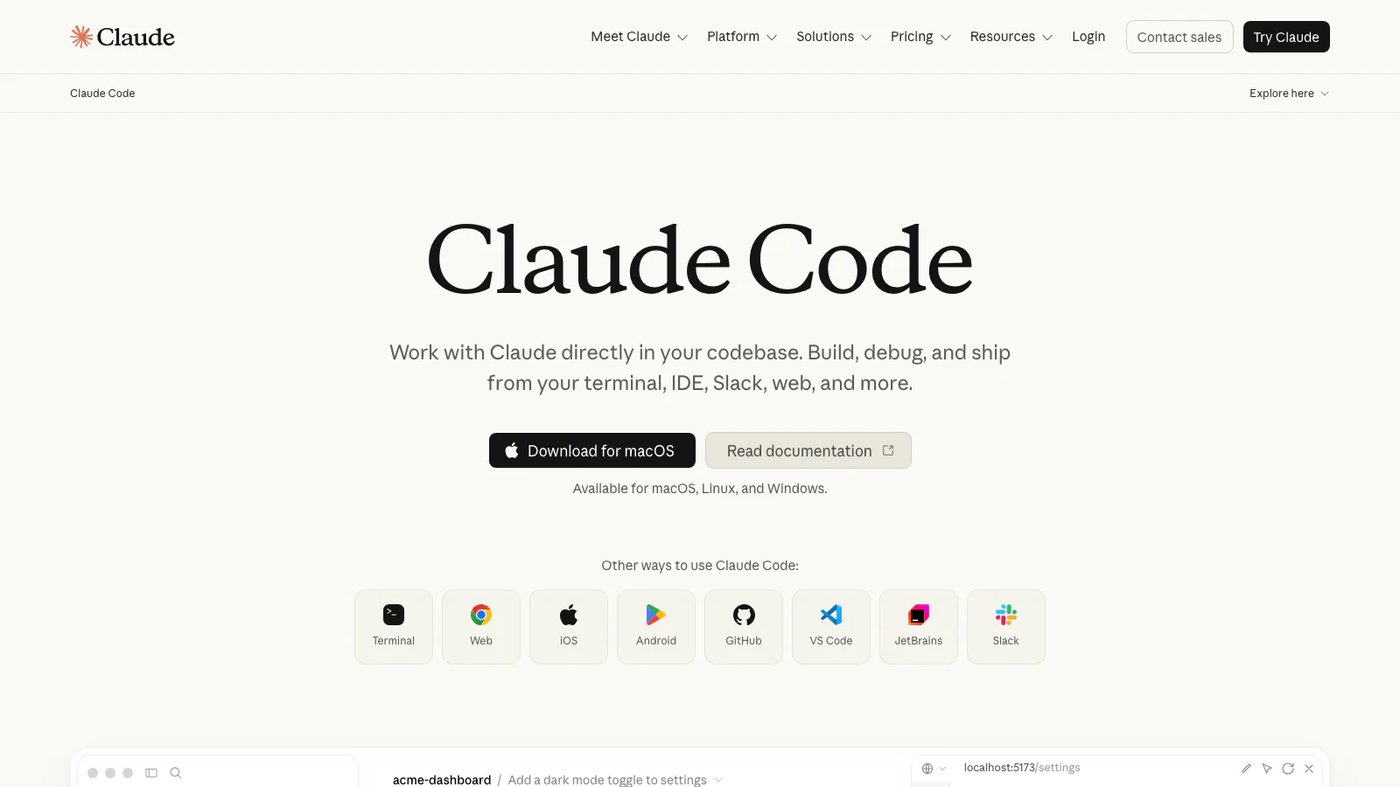
Claude Code is Anthropic's coding agent for reading codebases, editing files, running commands, debugging, refactoring, and automating development workflows from a terminal or supported IDE. Team and enterprise controls add centralized settings, permissions, and usage visibility.
The decision
Start with the job, the team, and the constraints. Product fit becomes much clearer when those three line up.
Inside the product
The core product capabilities, grouped around the work they enable.
Works directly in development environments to inspect, edit, test, and explain code.
Supports non-interactive commands, hooks, MCP servers, and structured output for automation.
Provides server-managed settings, access controls, telemetry, and deployment options for larger organizations.
Install Claude Code or open its IDE integration, authenticate with a Claude plan or API account, and start it inside a project. It builds context from the repository, proposes or performs changes under configured permissions, executes development commands, and reports the outcome.
Plans and official links
See the entry price, free access options, company details, and direct vendor destinations in one place.
Choosing for a real workflow?
We map the workflow, connect existing systems, choose what to buy, and build what is missing.