
Strongest fit
Who it is built for
- Video creators improving blurry or compressed footage
- People restoring old family videos
- Teams preparing clearer promotional or product videos
Restore, upscale, denoise, and smooth video with AI
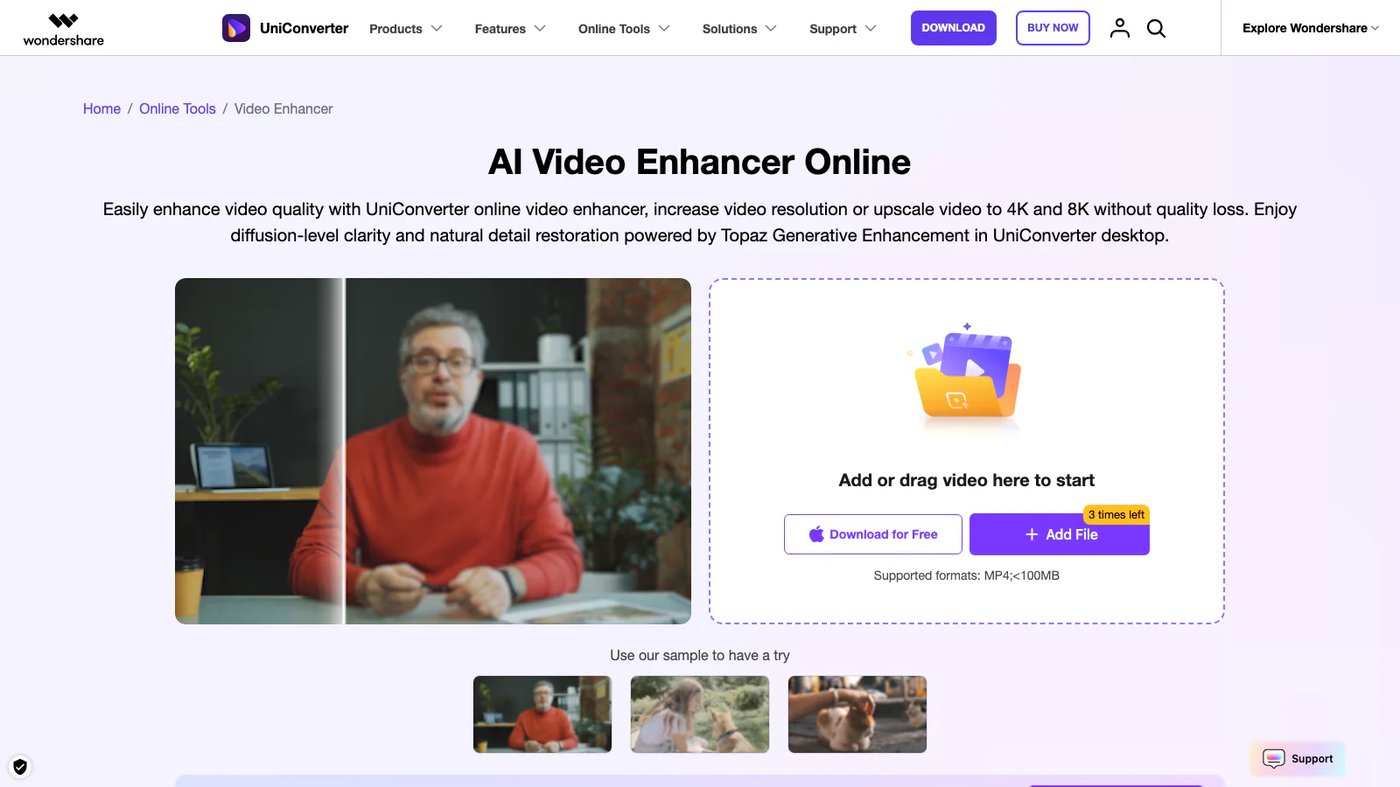
Wondershare UniConverter AI Video Enhancer improves low-quality footage with restoration, denoising, upscaling, sharpening, and frame interpolation. It is available in the UniConverter desktop app and online workflow, where users upload video, select an enhancement model, preview the result, and export it.
The decision
Start with the job, the team, and the constraints. Product fit becomes much clearer when those three line up.
Inside the product
The core product capabilities, grouped around the work they enable.
The enhancer repairs visual artifacts, corrects colors, and improves clarity in old or low-resolution footage.
UniConverter can upscale video and reduce visual noise while preserving natural textures.
Frame interpolation increases video frame rates up to 240 FPS to smooth choppy motion.
Choose AI Video Enhancer in UniConverter or upload a video in the online version. Select an enhancement model for the footage, preview the processed result, and export the video when it meets your needs.
Plans and official links
See the entry price, free access options, company details, and direct vendor destinations in one place.
Choosing for a real workflow?
We map the workflow, connect existing systems, choose what to buy, and build what is missing.